
Home Security Systems for Riverton Families
Protect the people and things you care about with home security options made for your household.
Or call (555) 010-0412Licensed alarm installer where the state requires it
Our Work
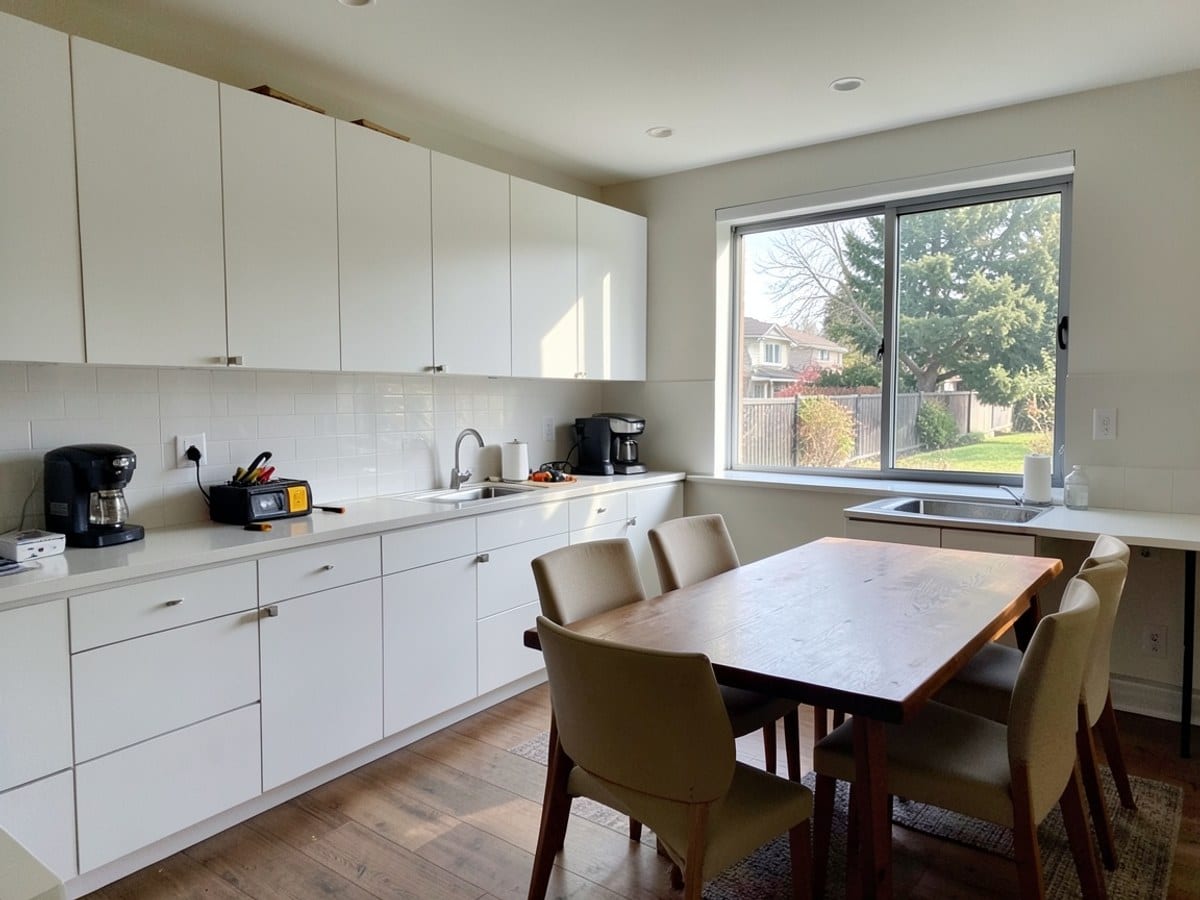
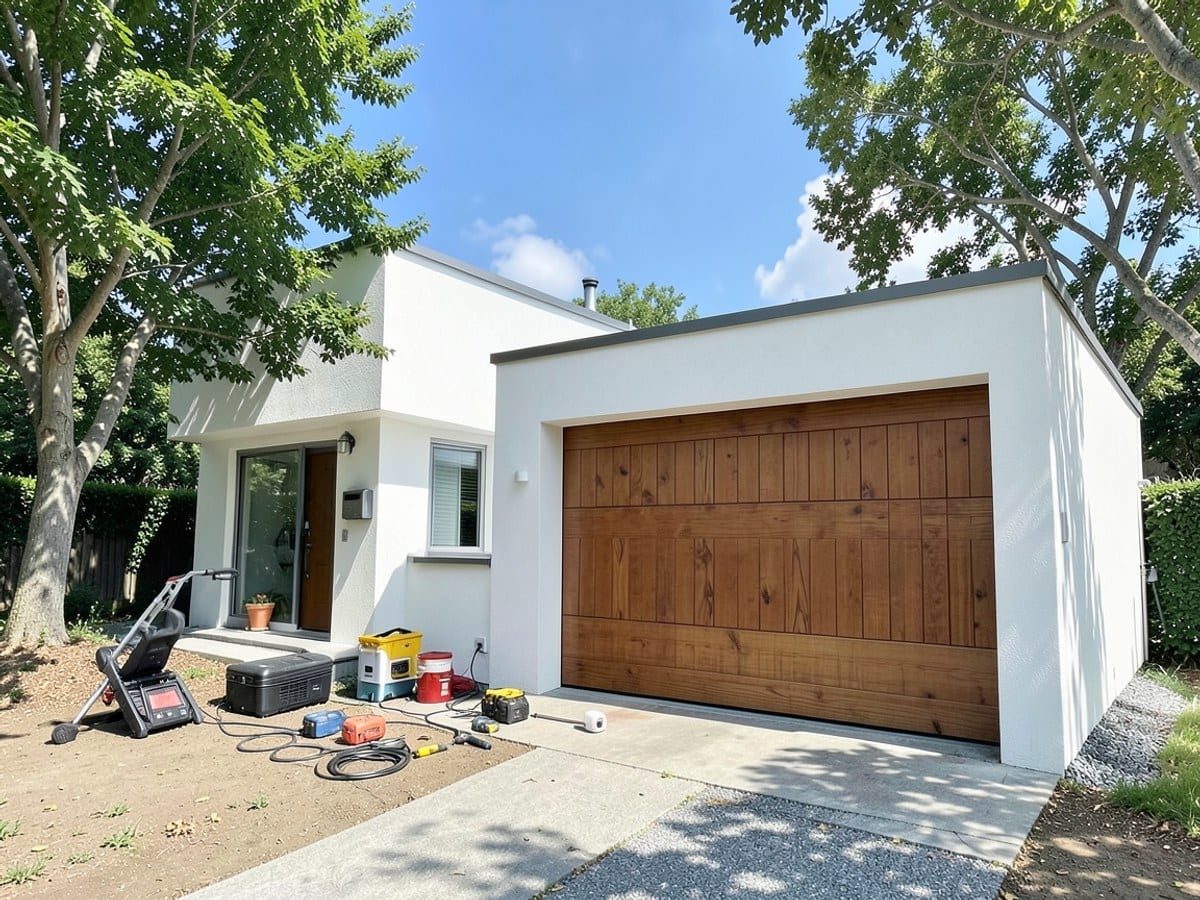
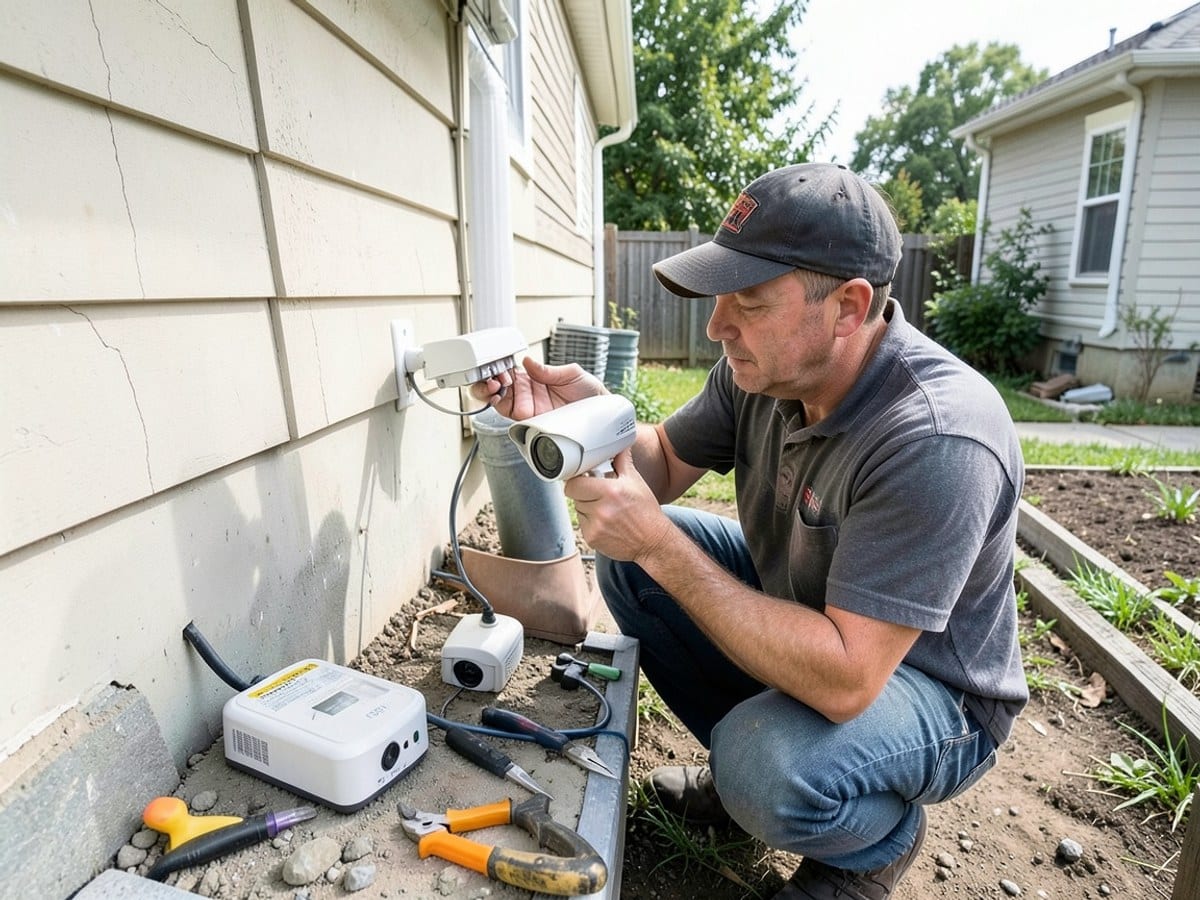
We share photos of our team installing home security equipment and completing residential system setups.

How It Works
1. Tell Us What You Need
We ask about your home, existing equipment, and the security features you want to discuss.
2. Review The Property
We look at entry points, camera locations, wiring, and the equipment already in place.
3. Discuss The Setup
We explain compatible components, installation options, and any monitoring terms that apply.
4. Install And Walk Through
We install the agreed equipment and show you its controls, settings, and app features.
Home Security, Thoughtfully Planned
We help families in Riverton understand their home security options and choose what fits their needs.
At Sample Home Security Co, we help you consider alarm systems, cameras, smart locks, and connected sensors for your home in Riverton.
- Clear equipment discussions
- Home-specific system planning
- Practical setup walkthroughs
Seasonal Camera Planning
10% off
Sample offer applies to eligible camera installation labor during the listed seasonal promotion, with equipment and system compatibility confirmed separately.
- Licensed alarm installer where the state requires it
- Insured
- Background-checked technicians
- Clear monitoring terms
Our Services
We install and service home alarm systems, cameras, smart locks, and connected sensors.
Alarm System Installation
We plan alarm components around your entry points and daily routines.
Why Choose Us
Home-Specific Planning
We plan alarm sensors and camera placement around your home's layout and entry points.
Clear Equipment Options
We explain how panels, cameras, locks, and sensors fit into the setup you are considering.
Existing System Review
We check your current alarm equipment before discussing reuse, replacement, or a new installation.
Settings Walkthrough
We show you how to use your system controls, notification settings, and connected devices.